Added
- shiki Desktop is now actually usable — the Tauri + Svelte 5 GUI (
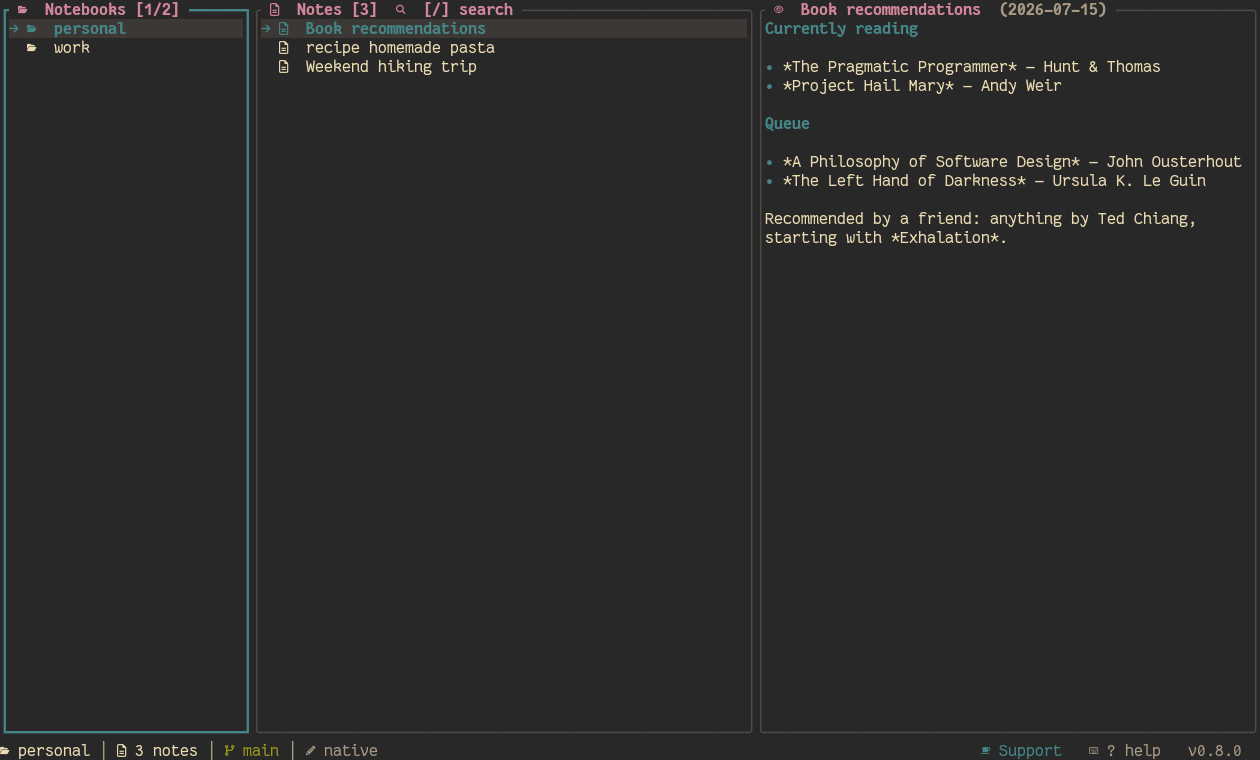
shiki-desktop) gained its first real working surface on top of the F0 scaffold, reusing the same shiki-core primitives as the TUI: - Notes pane: notes listed per notebook (sorted by date, mtime shown), filtered live by title or tag; create notes with any of the 12 built-in templates (default/daily/meeting/bug/spec/review/ postmortem/standup/retro/1on1/weekly/brainstorm), open today's daily note, rename (with the same inbound-[[wikilink]]-safe rename as the TUI) and delete. - PREVIEW pane: markdown rendered server-side with comrak (same extension set as the TUI — tables, task lists, strikethrough, autolinks, [[wikilinks]], raw <details>), images resolved through Tauri's asset protocol, and code fences highlighted with highlight.js colored from the active theme's palette. - Editor: CodeMirror 6 in markdown mode with the active theme's colors; Ctrl+S saves, Esc cancels. - Git: pending-changes indicator (● + count, same color scheme as the TUI's note-title marker) and a one-click commit button. - Onboarding: when no notebooks exist the app shows a welcome screen with a notebook-creation form and import pointers instead of an empty sidebar. - Branded installer: the Windows MSI/NSIS now ship with generated WiX banner/dialog images and an NSIS sidebar + installer icon built from the shiki logo — the install experience matches the app itself.
Fixed
- The desktop crate's image-path unit test was platform-dependent (Linux vs Windows path separators) and failed on the Windows CI matrix; it now asserts against the same single-join behavior the renderer uses.