The web, without
the noise
wr fetches a page, extracts the article and opens it in an animated reader: formatted Markdown, real code highlighting and a full browsing experience — links, history, bookmarks and search, all from your terminal.
linux and macOS · verifies the SHA-256 checksum · no Go needed
wr https://… opens an article· wr rust async book searches the web· wr opens your start page
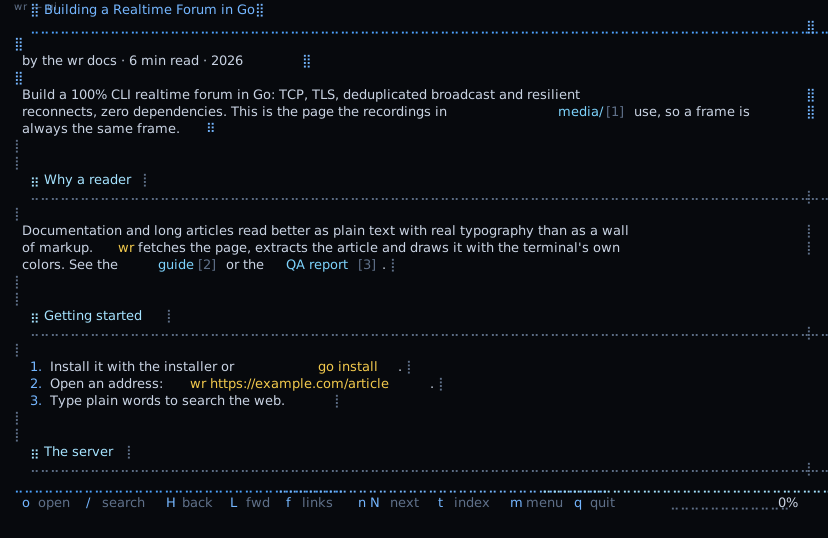
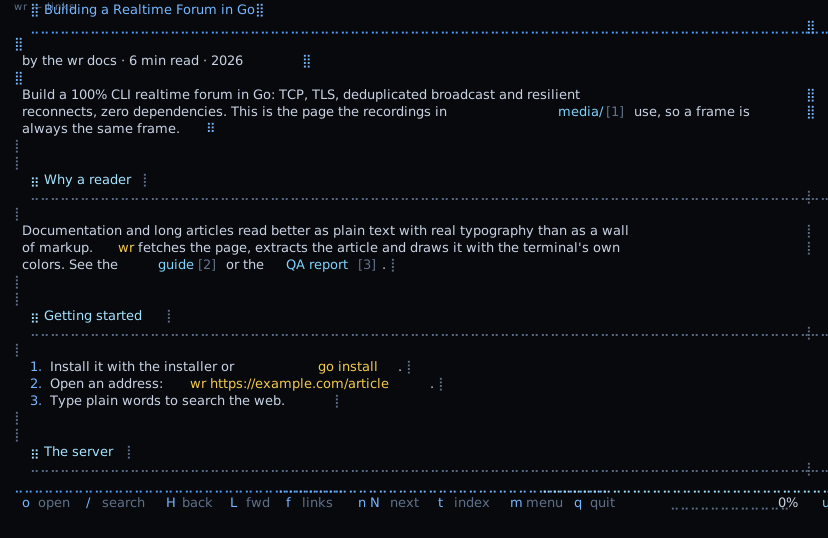
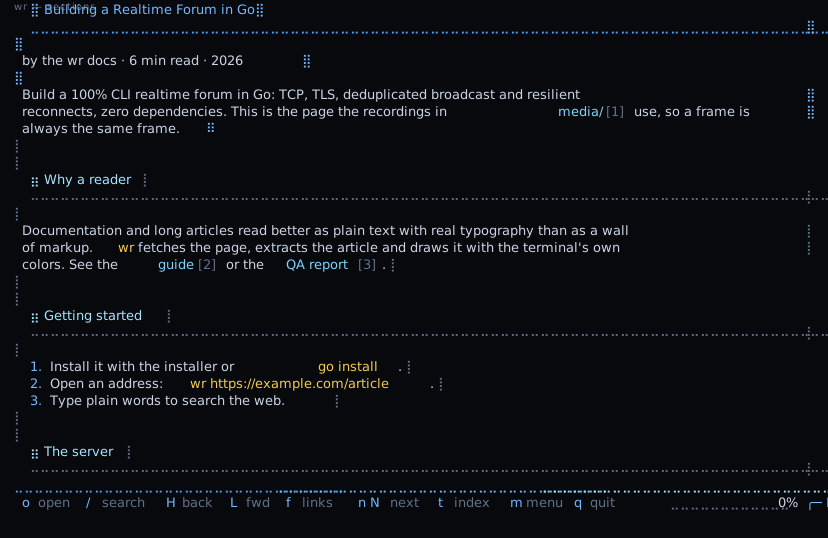
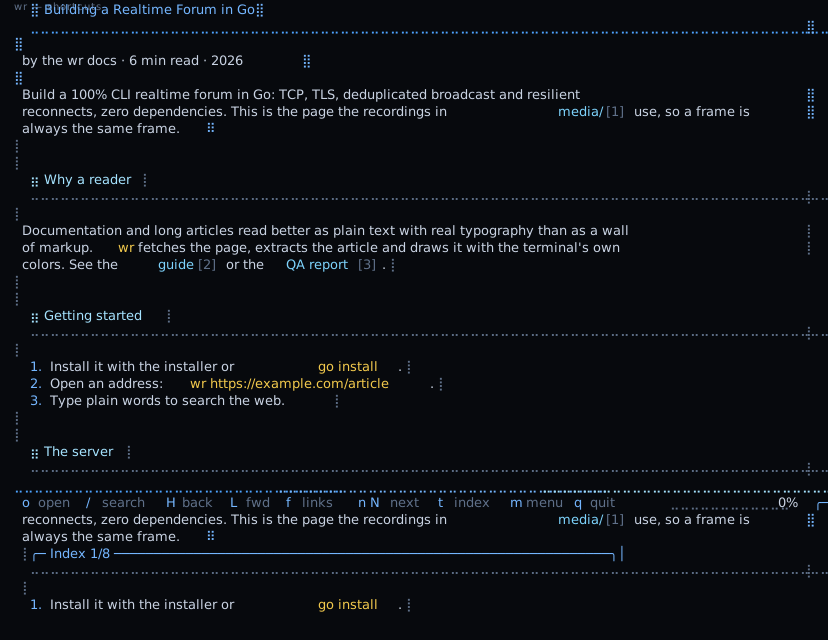
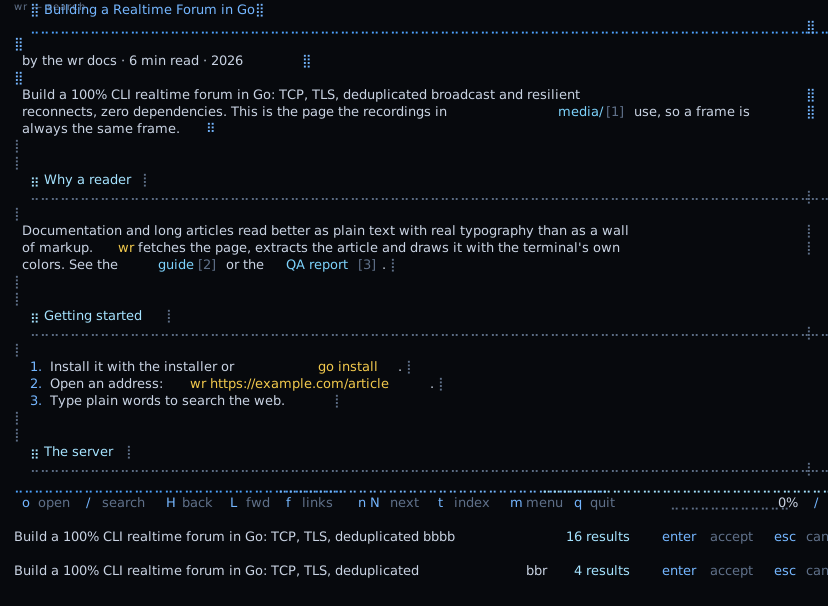
FIG. 01 — wr reading an article, following links, jumping by section, searching. Click a tab, or let it play.
Most of a web page
is not the page.
Menus, banners, popups, ads, related cards and autoplay video wrap a few paragraphs. wr drops all of it before you ever see it, and keeps only the text and its code.
Build a 100% CLI realtime forum in Go: TCP, TLS, deduplicated broadcast and resilient reconnects, zero dependencies.
⣿Building a Realtime Forum in Go
Build a 100% CLI realtime forum in Go: TCP, TLS, deduplicated broadcast and resilient reconnects, zero dependencies.
// main.go
func main() {
    srv := forum.New(cfg)
    log.Fatal(srv.ListenTLS())
}
A reader that behaves
like a terminal tool.
Formatted Markdown
Headings with a mark and a rule, bold, lists, quotes, tables — and the Markdown syntax gone.
Code, highlighted
Per-language colors inside a labeled frame. Copies come out without the frame and the margin.
Links without the mouse
Press f and every link on screen gets a short label. Type it and you are there.
Instant back and forward
Pages are cached, so going back returns you to the exact spot you left — instantly.
Search as you type
Smart-case, highlighted matches, n and N to jump between them. t opens the section index.
Wears your colors
It uses your terminal’s own 16-color palette — gruvbox, nord, whatever you run. Zero configuration.
It is all keystrokes.
Every binding is rebindable from the menu. The full list is generated from
keys.go, so it cannot fall behind the program.
Browsing
Scrolling
Reading
Interface
Reading in under a minute.
Install the binary
One line, no Go needed: the installer verifies the SHA-256 checksum before it puts wr on your PATH.
$curl -fsSL https://raw.githubusercontent.com/sazardev/wr/main/install.sh | sh Read a page
An address opens the article, anything else is a web search, and a local file opens as you wrote it.
$wr https://go.dev/doc/ Keep the keyboard
f labels every link, H and L go back and forward, t jumps by section, m shows every key.
$f Go 1.26+: go install github.com/sazardev/wr@latest or grab wr_<os>_<arch>.tar.gz from Releases INSTALL_DIR chooses where, WR_VERSION picks a version
Dress it like your terminal.
The reader wears your terminal’s own colors. This site shows the idea in monochrome: pick
a palette and every page follows — it is remembered, and it links
(?theme=phosphor). Press t anywhere.
Read it, then use it.
The guide
Every screen and every key of the reader, with examples.
Reference
All 32 shortcuts and all 32 settings, generated from the source.
The design language
The rules, the tokens and the motion behind how wr looks.
Changelog
Every release, written by release-please from the repository history.
Start reading.
One binary, one line to install. Your terminal does the rest.
linux and macOS · verifies the SHA-256 checksum · no Go needed